
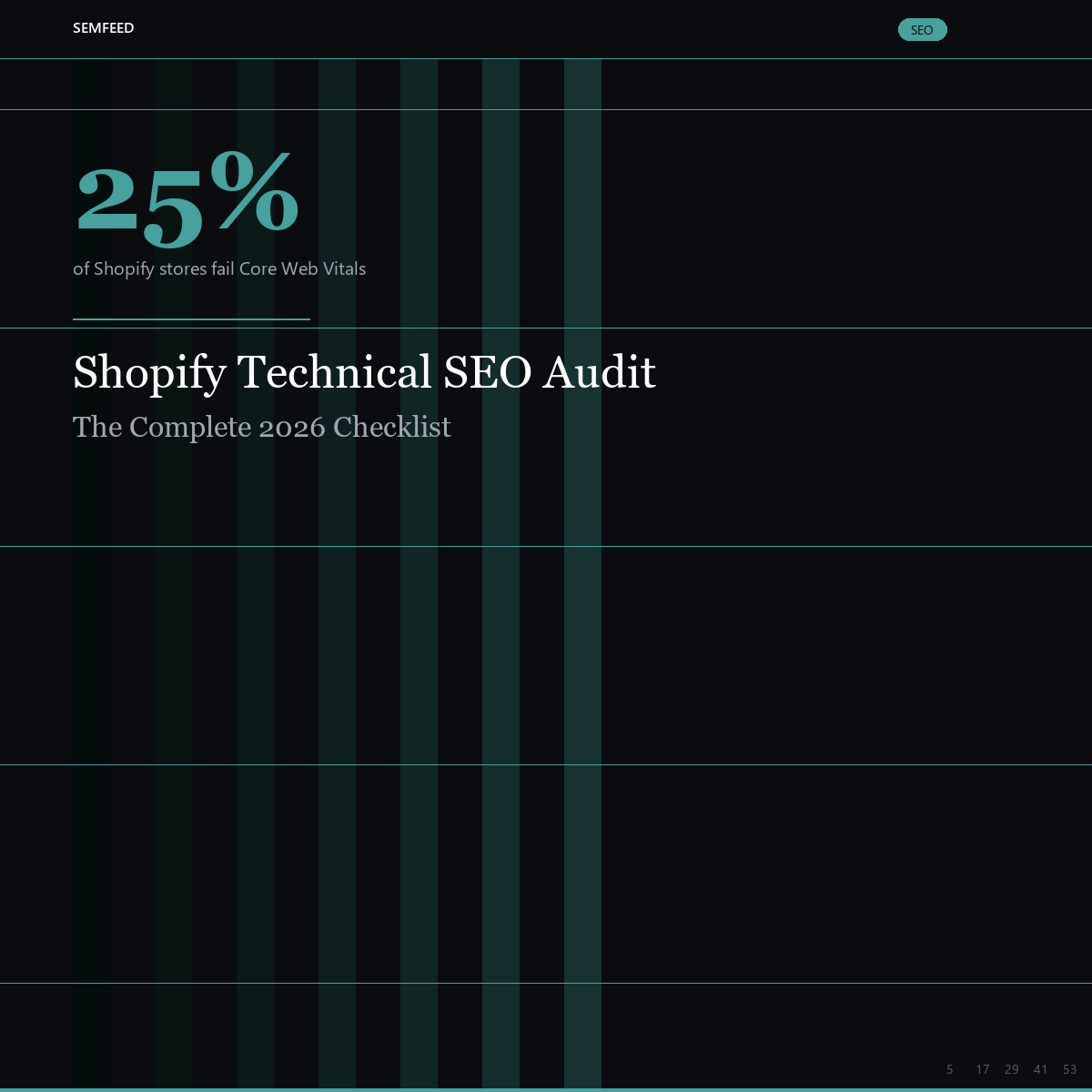
Shopify Technical SEO Audit: The Complete 2026 Checklist for DTC Brands
Published: August 3, 2026 | Read time: 10 min | Category: SEO
You’ve got great products, solid branding, and a Shopify store that looks the part. But if your technical SEO foundation has cracks — duplicate URLs, bloated structured data, failing Core Web Vitals — none of your content or link-building efforts will pay off. Google has to crawl, index, and understand your site before it can rank it. And in 2026, with AI Overviews consuming more SERP real estate, losing crawl budget to technical debt is more expensive than ever.
This checklist walks you through a complete technical SEO audit for Shopify stores, organized in the order that matters: crawlability → performance → structured data → content architecture.
Phase 1: Crawlability — Can Google Even Find Your Pages?
1.1 The Shopify Duplicate URL Problem
Shopify generates two URLs for every product: the canonical /products/handle and a collection-based variant /collections/frontpage/products/handle. Both are accessible. Both can get indexed. And when they do, Google splits your authority between two URLs competing for the same keyword.
The fix: Modify your Liquid product card templates to link directly to the canonical /products/ path. Remove the within: collection filter. Most themes use it by default — check your product-card.liquid or equivalent snippet.
How to detect it: Run a Screaming Frog crawl. If you see /collections/.../products/... URLs returning 200 status, you’ve got the problem.
1.2 Faceted Navigation Bloat
Filter URLs — ?filter.p.vendor=Nike, ?filter.v.price.gte=50, and every combination thereof — create thousands of near-duplicate pages. Each one costs crawl budget.
The fix:
- Block filter query strings in
robots.txt:Disallow: /*?filter. - Add a
<meta name="robots" content="noindex,follow">tag on tag pages (Shopify generates these automatically) - Use canonical tags pointing to the unfiltered collection page
1.3 AI Crawler Access — Don’t Block Your Future Traffic
This is a 2026-specific issue. Many stores block known AI crawlers to prevent content scraping. But if your robots.txt blocks GPTBot, PerplexityBot, ClaudeBot, or Google-Extended, you’re invisible to AI answer engines. Period.
Check your robots.txt now: https://yourstore.com/robots.txt
Make sure none of these are disallowed:
GPTBot(ChatGPT)PerplexityBot(Perplexity)ClaudeBot(Claude/Anthropic)Google-Extended(Google AI, including AI Overviews)AppleBot(Apple Intelligence)
1.4 404 Audit & Redirect Hygiene
Every 404 wastes crawl budget. Use Google Search Console → Pages → “Not found (404)” to see what Google is hitting. For high-value URLs (products you discontinued, old blog posts that earned links), use Shopify’s built-in URL Redirects tool to 301 them to the closest equivalent page.
Quick audit workflow:
- Export the “Not found” list from GSC
- Filter for URLs with external backlinks (cross-reference with Ahrefs or Search Console’s Links report)
- 301 redirect those to the closest relevant page
- For pure internal 404s, fix the internal link or remove it
Related: SemFeed SEO Services — technical audits with KPI guarantees
Phase 2: Performance — Core Web Vitals & Mobile
Google reportedly tightened the LCP (Largest Contentful Paint) Good threshold from 2.5s to 2.0s in March 2026. Anecdotally, ~25% of Shopify stores now fail Core Web Vitals — and the primary culprit is app bloat.
2.1 The Three Core Web Vitals Thresholds (2026)
| Metric | Good (Green) | Needs Improvement (Orange) | Poor (Red) |
|---|---|---|---|
| LCP (Largest Contentful Paint) | ≤ 2.0s | 2.0–3.0s | > 3.0s |
| INP (Interaction to Next Paint) | ≤ 200ms | 200–500ms | > 500ms |
| CLS (Cumulative Layout Shift) | ≤ 0.1 | 0.1–0.25 | > 0.25 |
Check your scores: Google Search Console → Core Web Vitals (for real-user data) and PageSpeed Insights (for lab diagnostics on specific URLs).
2.2 The Top 3 Shopify Performance Killers
#1: App Bloat. Every Shopify app injects JavaScript. Ten apps = ten JS files, many loading on pages that don’t need them. Audit your installed apps: if you haven’t used an app in 3 months, uninstall it. For the ones you keep, use Google Tag Manager’s script injection controls or Shopify’s theme.liquid conditionals to load app scripts only on pages that actually need them.
#2: Unoptimized Product Images. Shopify serves images through its CDN, which is fast — but it doesn’t automatically optimize file size or format. Best practices for 2026:
- Serve WebP or AVIF format (Shopify now supports both)
- Compress to < 200KB for hero images, < 100KB for thumbnails
- Preload hero images with
<link rel="preload" as="image" fetchpriority="high"> - Use responsive
srcset— Shopify’simage_urlfilter supports size parameters
#3: Late-Loading Fonts & Third-Party Scripts. Custom fonts that load late cause CLS. Chat widgets, review widgets, and analytics scripts that fire on page load block INP. Defer non-critical third-party scripts with async or defer attributes.
2.3 Mobile-First Means Mobile-First
Google uses the mobile version of your site as its primary ranking signal. Test your store on an actual mid-range Android device (not just iPhone 16 Pro). Common mobile failures we see in audits:
- Hamburger menu links that are too small to tap (target: 48×48px minimum touch area)
- Text that’s below 12px and requires pinching to read
- Horizontal scroll caused by overflowing elements
- Popup newsletter modals that cover the entire screen
Related: SemFeed Website Development — SEO-Ready DTC site builds
Phase 3: Structured Data — Make Your Site Machine-Readable
In 2026, structured data is no longer optional. Pages with complete schema are 2.5× more likely to be cited in Google AI Overviews. Rich results with ratings and pricing achieve up to 82% higher CTR than plain text links. And Shopify’s default theme schema is incomplete for most stores.
3.1 The Minimum Schema Stack
| Schema Type | Pages | Key Fields to Include |
|---|---|---|
| Organization | Homepage only | name, url, logo, sameAs (social profiles), contactPoint |
| Product | All product pages | name, image, description, sku, gtin/mpn, brand, offers (price, priceCurrency, availability, url), aggregateRating |
| BreadcrumbList | Sitewide | Full hierarchy from Home → Collection → Product |
| FAQ | Product, collection, blog | question + acceptedAnswer pairs; keep answers under 300 characters each |
| Article | Blog posts | headline, datePublished, dateModified, author, image |
| Review | Product pages | reviewBody, reviewRating, author, datePublished |
3.2 The #1 Schema Error: Duplicates
Your theme outputs Product schema. Your SEO app also outputs Product schema. Your review app outputs Review schema — but nests it inside its own Product block. Result: Google sees two or three conflicting Product schemas on the same page and ignores all of them.
The fix: Merge all schemas into a single nested JSON-LD @graph array. One common approach is to let the SEO app handle the full schema stack and disable schema output in the theme and review app. Validate every page type with Google’s Rich Results Test and the Schema.org Validator.
Warning: Invalid schema is worse than no schema. It triggers “ambiguous data” or “missing field” errors in Google Search Console, and AI engines may skip your page entirely when they encounter schema conflicts.
Phase 4: Content Architecture & Internal Linking
4.1 Collection Pages: The Most Underused DTC SEO Asset
Collection pages can rank for broad, high-volume category keywords that individual product pages can’t compete for. But most Shopify stores treat collection pages as a grid of products with zero unique content.
Optimization checklist for every collection page:
- Unique title tag:
[Category Name] — [Brand](e.g., “Men’s Leather Wallets — Brand”) - Meta description with commercial intent: “Shop [X] styles. Free shipping over $[Y].”
- 150–300 words of unique content above the product grid (not buried at the bottom)
- One primary commercial keyword per collection page
- FAQ section targeting question-format keywords (for AI citation)
4.2 Internal Linking Architecture
Internal links distribute PageRank across your site and tell Google which pages matter most. Minimum viable internal linking for a DTC store:
- Every product page links to its parent collection(s)
- Every blog post links to 2–3 relevant product or collection pages
- Homepage links to all top-level collections
- Footer links to key informational pages (About, Contact, Shipping, Returns)
- Breadcrumbs are present and structured on every page except the homepage
Use Screaming Frog’s “Internal Link Analysis” to find orphan pages — products or blog posts with zero internal links pointing to them. Every orphan page is effectively invisible to Google.
4.3 Keyword Cannibalization Audit
Multiple pages targeting the same keyword split your ranking potential. Common DTC example: a collection page, a product page, and a blog post all targeting “best leather wallet.” Google gets confused and none rank well.
Export your top 500 keywords from Google Search Console. Sort by position. If you see two or more URLs from your domain ranking for the same keyword on page 1–3, you’ve got cannibalization. Fix by: (1) consolidating content into one stronger page and 301-ing the others, or (2) re-optimizing each page for a distinct keyword variant.
Your 12-Week Technical SEO Roadmap
| Week | Focus | Key Actions |
|---|---|---|
| 1–3 | Crawlability | Fix duplicate product URLs, block faceted nav, audit 404s, verify AI crawler access, submit clean XML sitemap |
| 3–5 | Performance | Core Web Vitals audit, image optimization, app audit (remove unused, defer non-critical JS), mobile UX review |
| 5–7 | Structured Data | Implement full schema stack, eliminate duplicates, validate all page types, fix GSC enhancement errors |
| 7–12 | Content & Links | Optimize collection page content, fix internal linking, audit and resolve keyword cannibalization, publish 3–5 new content pieces |
Related reading: DTC SEO in 2026: From Rankings to AI Visibility
Don’t Want to Do It Yourself?
SemFeed’s SEO service covers the full technical audit — crawlability, performance, structured data, and content architecture — plus ongoing keyword strategy, content creation, and link building. Every KPI is written into the contract and verified by SEMrush. If we miss 70% of targets, we extend for free up to 3 months. Still behind? We refund 20%.
Sources & Further Reading
- Zest — Developer’s Shopify Technical SEO Checklist 2026
- Oyova — Shopify SEO Checklist 2026: Technical Fixes That Rank
- Darkroom — Shopify SEO Best Practices 2026: The Technical Playbook
- Cloudinary — Shopify Technical SEO Audit: Step-by-Step Guide
- Cloudinary — Shopify Schema Markup & Structured Data Guide